TATA Grant GMS Portal
Simplifying the Medical Grant Journey for Social Workers and Patients.
Project Story
TATA TRUSTS aims to make their existing medical grant digital application process easier and more efficient for individual applicants and medical social workers who apply on behalf of patients of a hospital.
Business Goals
Increase accessibility to grants by making the platform more user-friendly.
Improve operational efficiency, reducing administrative costs.
Strengthen trust and engagement with applicants and stakeholders.
Product Goals
Provide real-time tracking and status updates for applicants.
A dedicated help section to guide users if they encounter difficulties during the application process.
Simplify the user journey with an intuitive interface and easy navigation.
Key insights from Expert Review
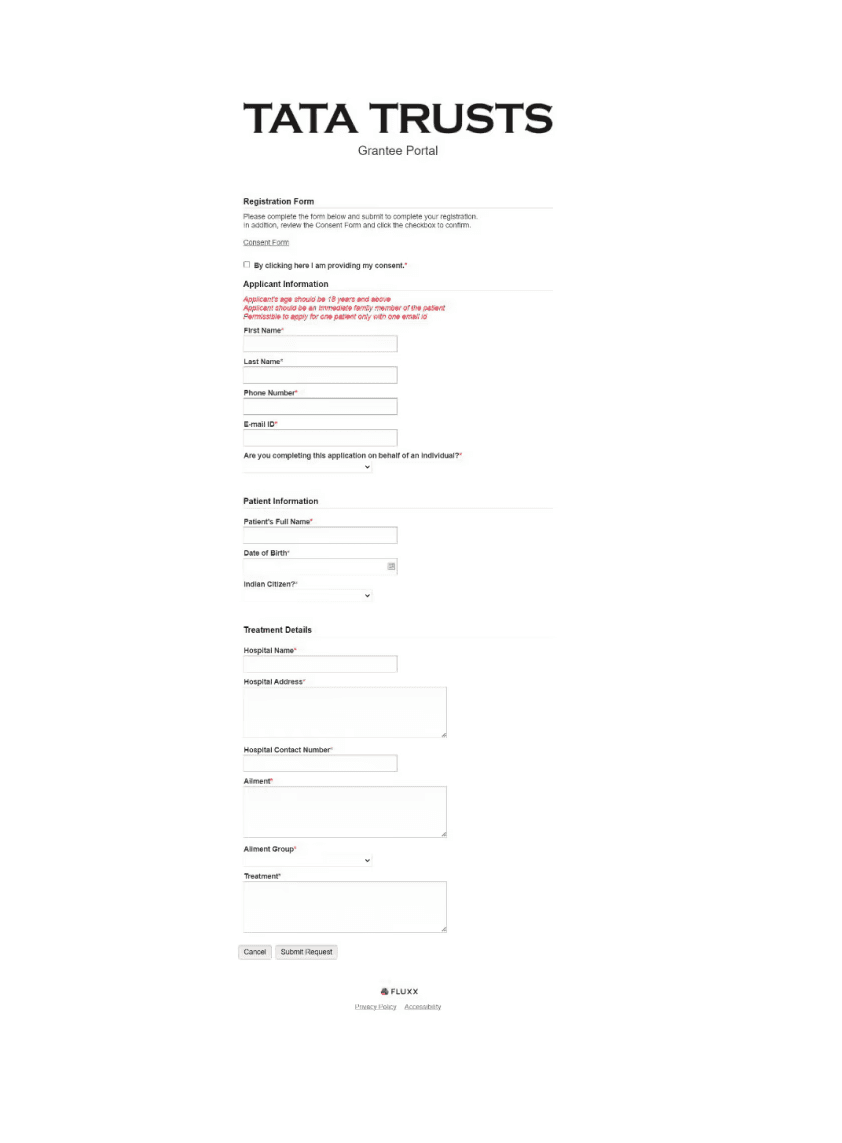
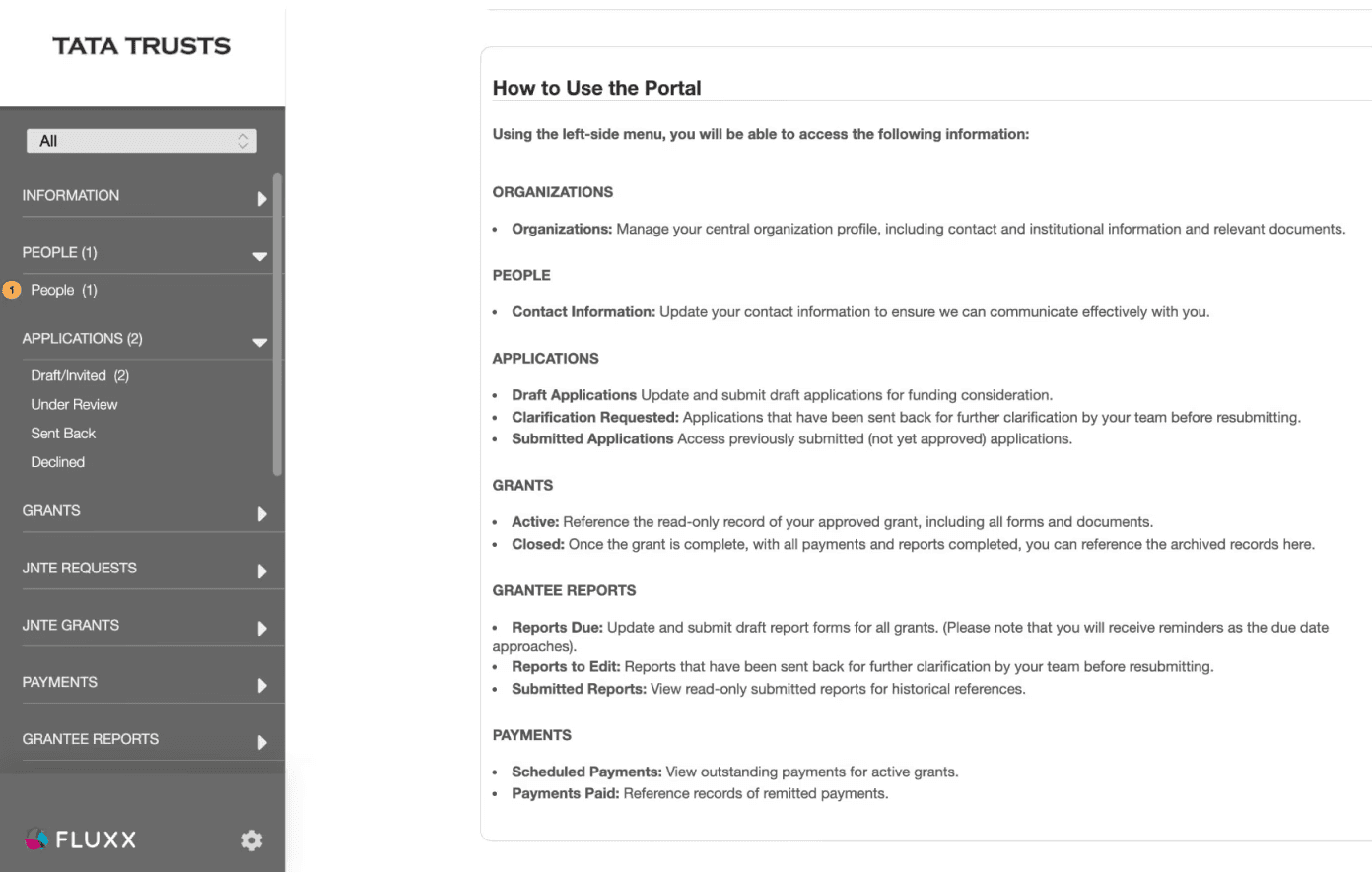
No visible nudge to initiate primary interaction with portal once user lands on dashboard.
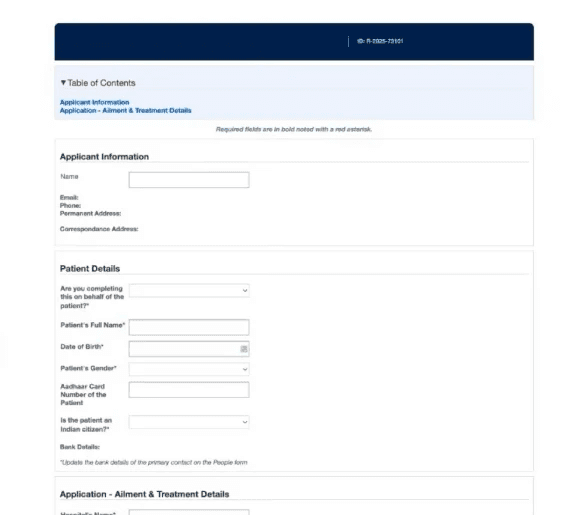
Archaic nomenclature and Overwhelming Layout
Redundant Sections
Grouping issues with Information Architecture
No functional Help section that may help users fill critical tasks
Problem
The current system faces challenges like complex navigation, suboptimal form filling journey and redundancy.
Design direction
Redesign & simplify the interface, to speed up approvals and improve tracking, ensuring grants reach those in need faster and with greater impact.
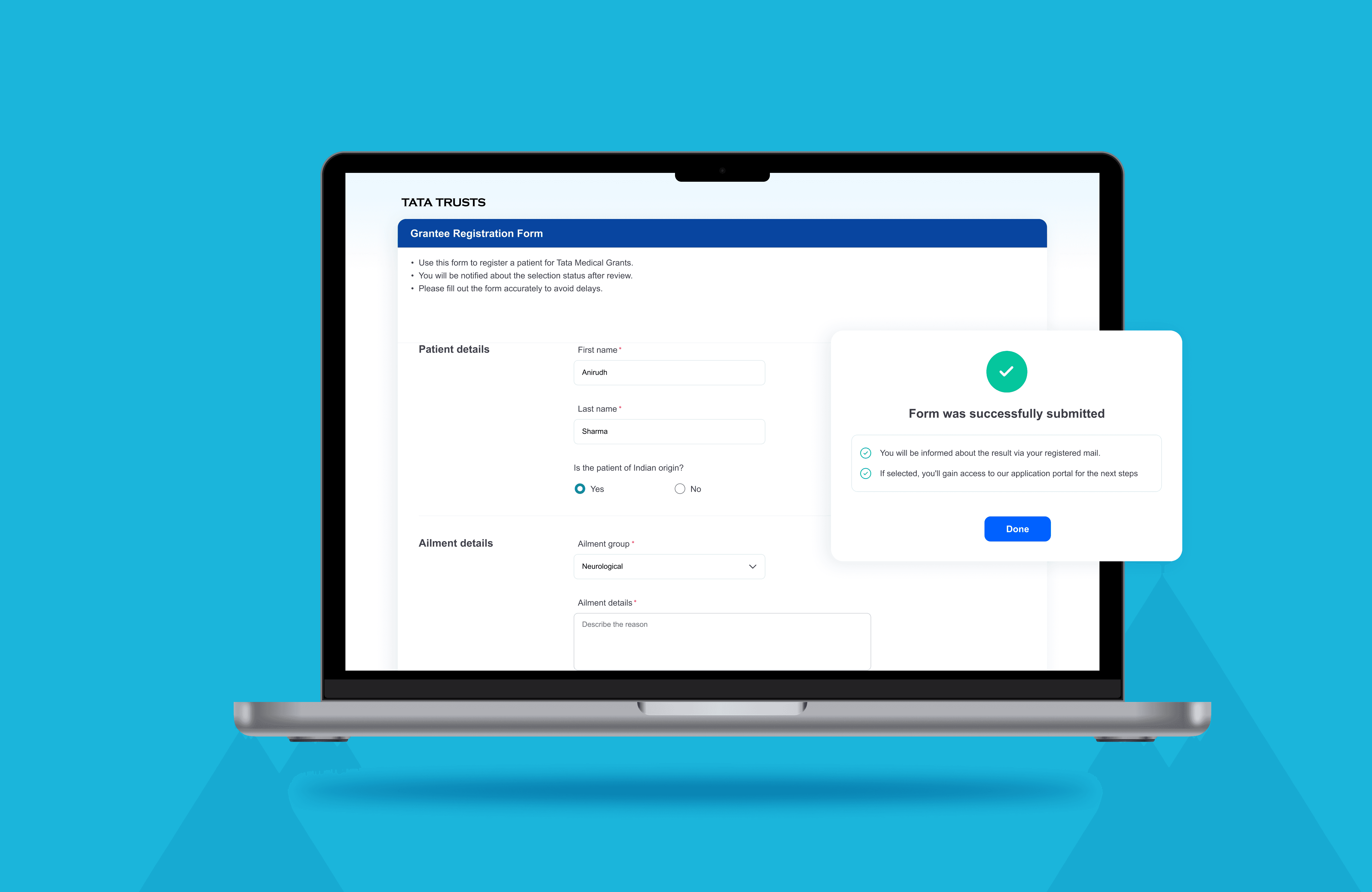
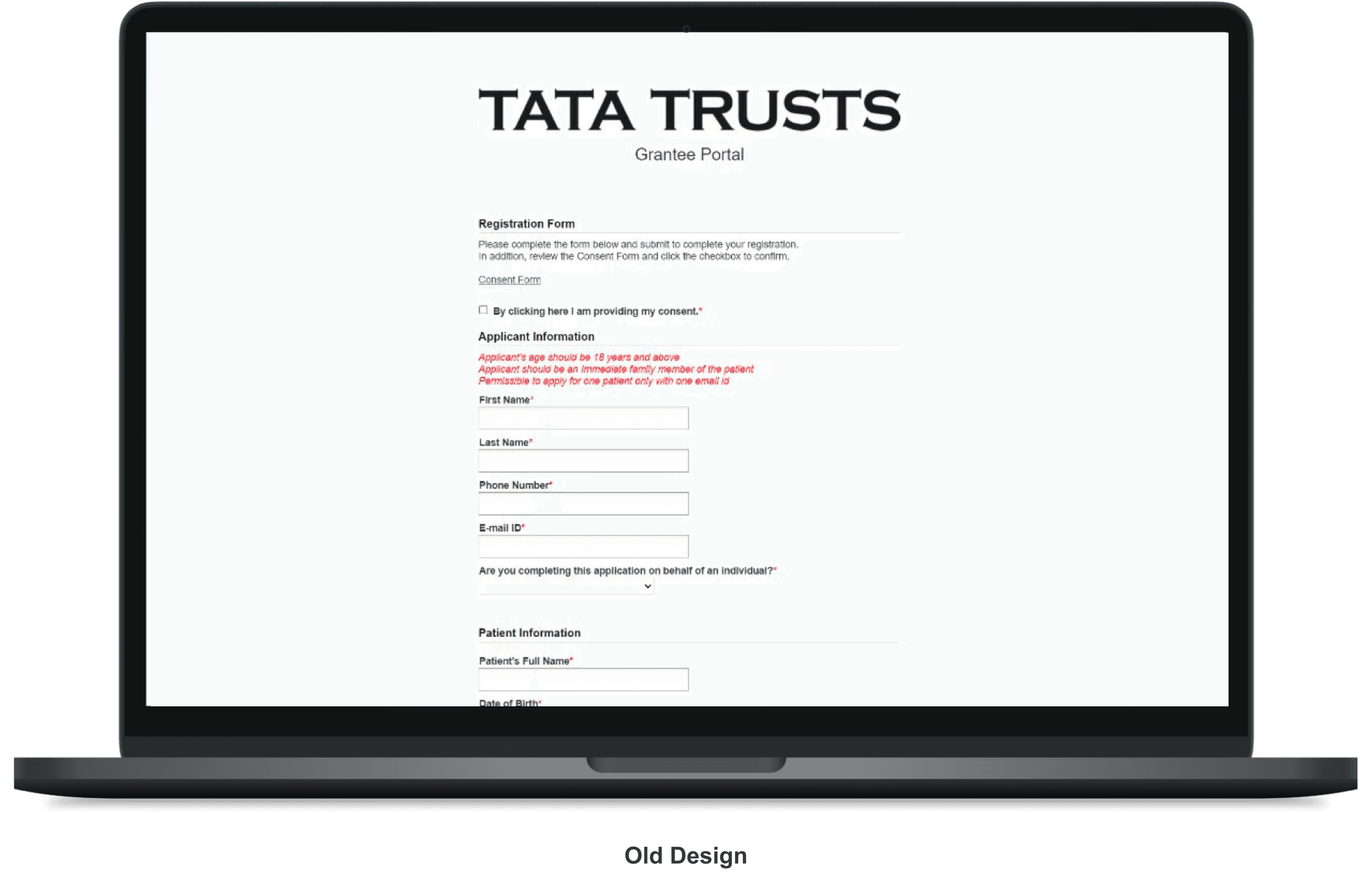
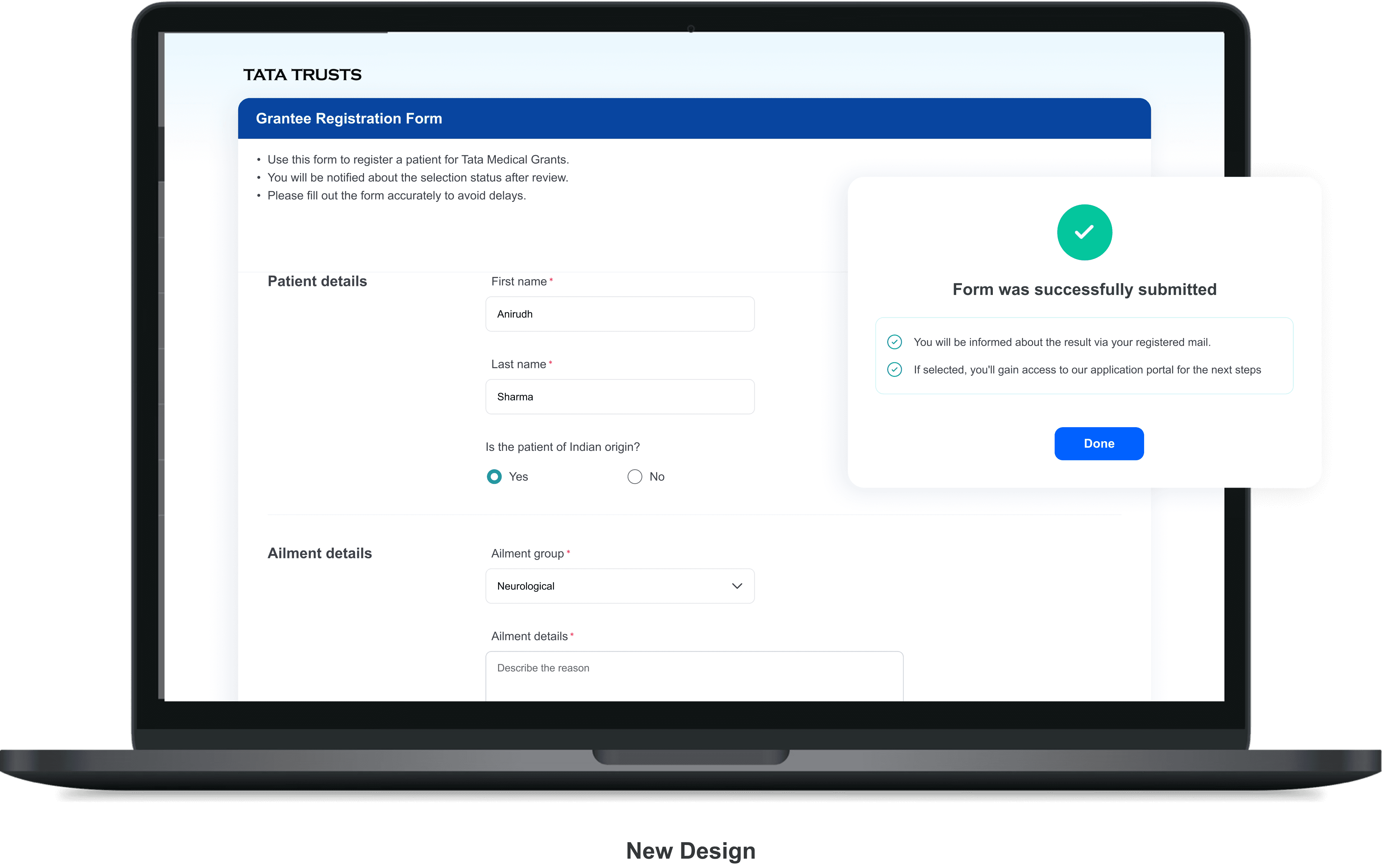
Existing improper registration form increased error rates and cognitive load, translated into
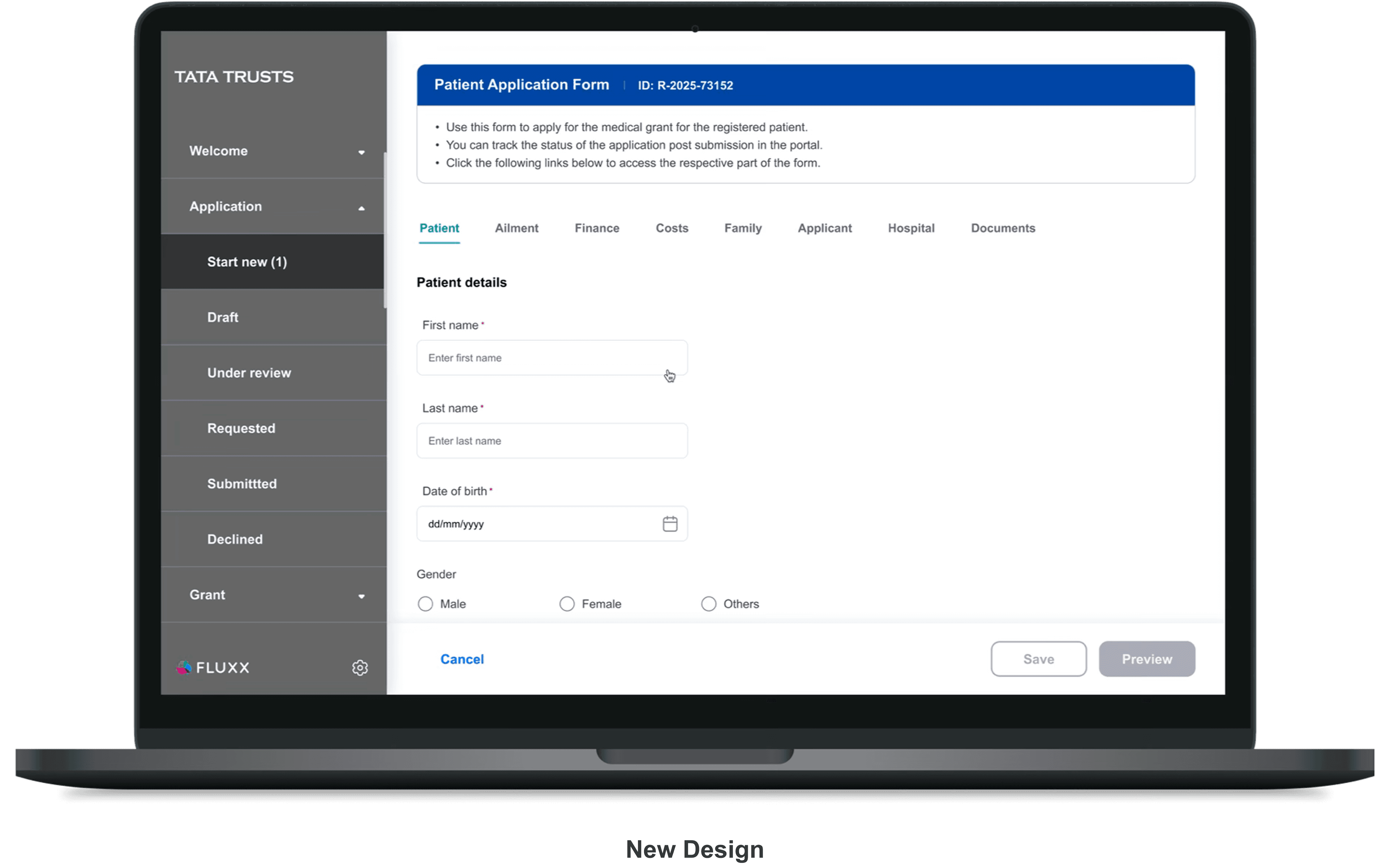
A user friendly interface with modified form that prioritizes critical patient information
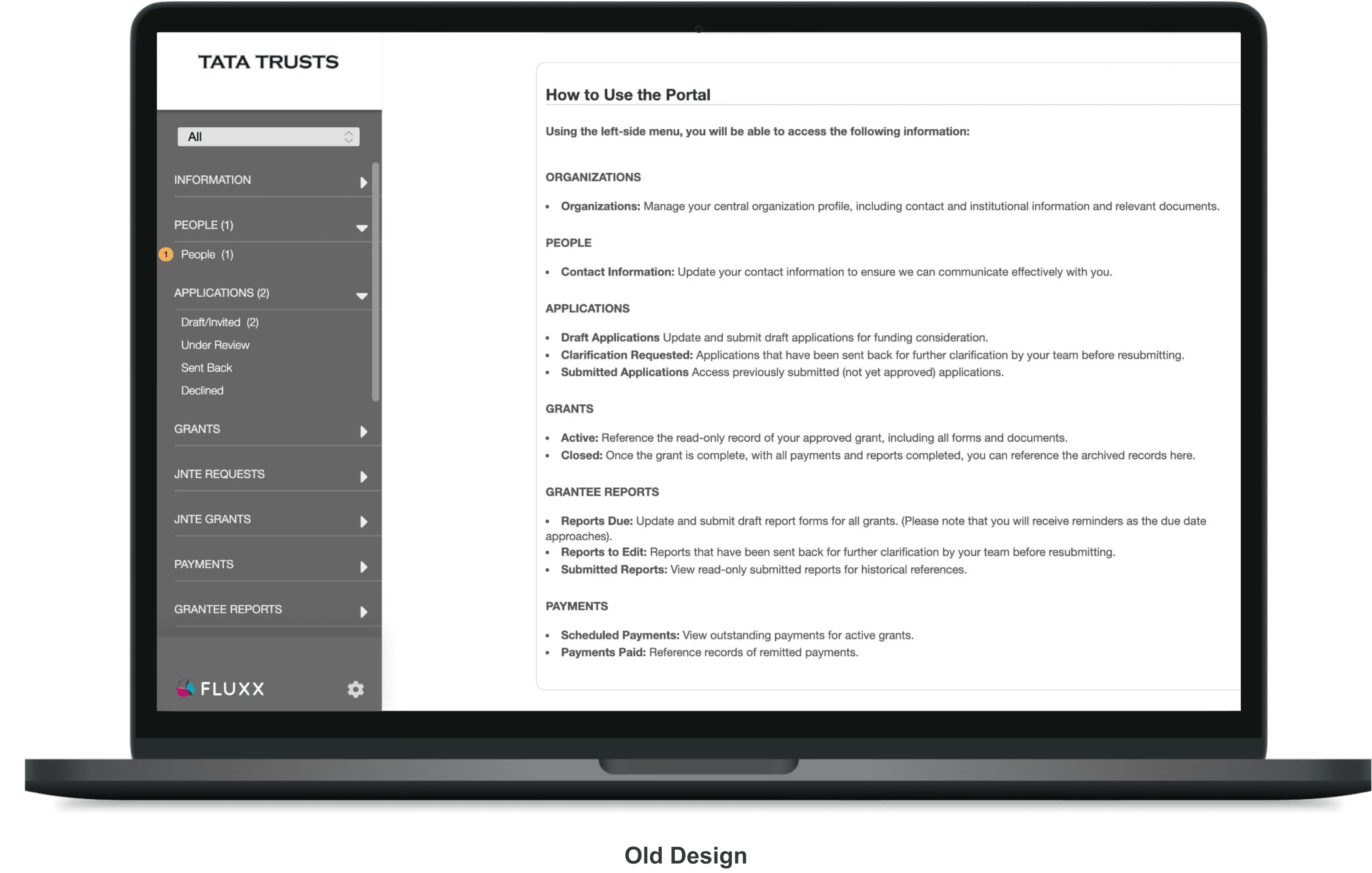
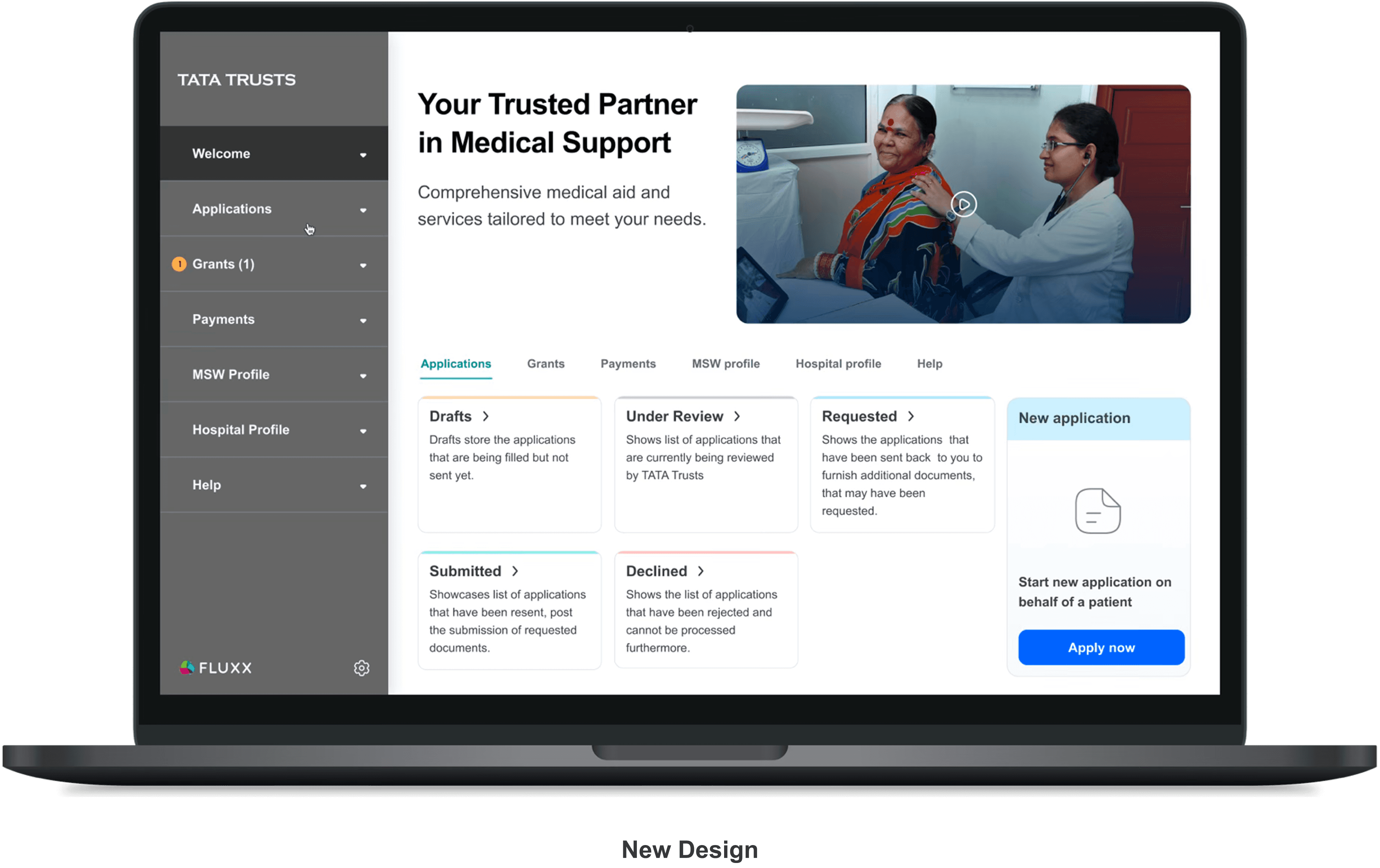
Existing overwhelming post login dashboard, that doesn’t prompt any action initiative from user, redesigned to a
Clear guided information display that helps users perform their critical task promptly
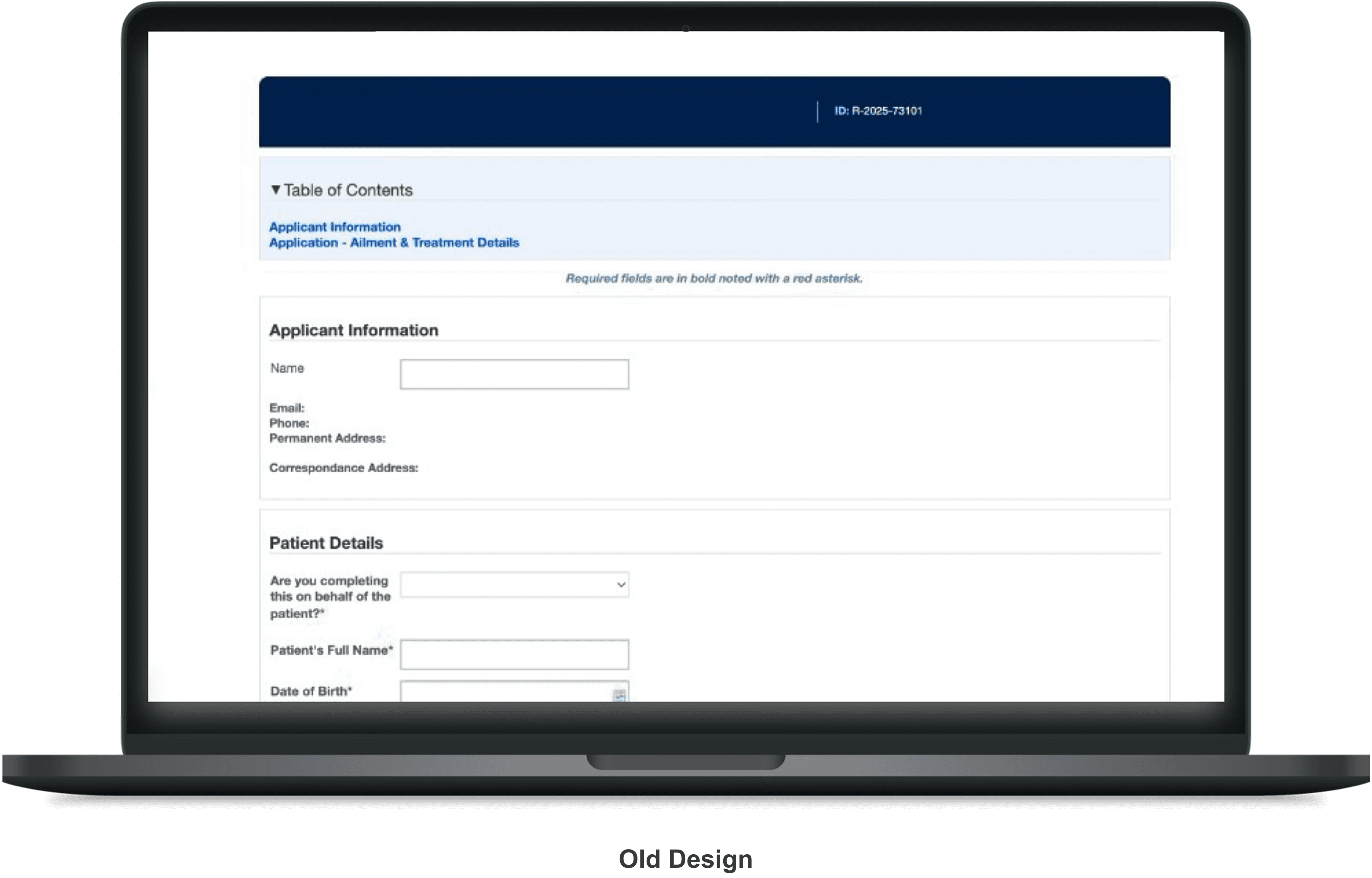
An overwhelming and excessively lengthy application form with minimal user guidance. An intuitive application form with clear, upfront instructions.
Features a well-structured navigation system for seamless user experience.
Use case 1
Filling missing input fields (treatment details) in the application
If the Treatment Details field under the Ailment section is left incomplete, the system alerts the user to fill in the missing information. A preview screen enables review and confirmation before submission, followed by a clear success message upon completion.
Use case 2
Requesting additional info after reviewing application
When additional information is requested, a notification appears in the left navigation. Clicking it opens the Application Status card with detailed guidance, allowing users to upload, replace, or update the required documents seamlessly.
Use case 3
Requesting additional Doc after grant sanctioned
After a grant is sanctioned, additional post-approval documents may be requested. A notification directs the user to the status card and right panel, where required documents are listed. Users can access the Documents tab or click the listed items to upload, edit, or replace files using the add (+) option.
Impact*
The redesigned journey is expected to reduce application errors and incomplete submissions, shorten approval turnaround time, and increase applicant confidence through clearer status visibility and guided actions.
Key learnings
Designing for social workers and patients reinforced the importance of clarity over feature richness, structured information architecture, and contextual guidance at every critical decision point.
Reflection & future directions
Post-launch, I aim to validate usability improvements through real user behavior data, refine the dashboard based on engagement patterns, and explore proactive nudges to further reduce drop-offs in critical form stages.